If you’re searching for the best gaming monitor for competitive play, you’re not just looking for flashy specs — you want a real edge. Faster reaction times, smoother motion, and crystal-clear visuals can be the difference between clutching a round and watching the respawn screen. But with endless options boasting high refresh rates, low response times, and confusing panel technologies, choosing the right monitor can feel overwhelming.
This guide is built specifically to cut through that noise. We break down what actually matters for competitive gamers: refresh rate thresholds, input lag performance, panel types, adaptive sync compatibility, and optimal resolution for esports titles. Whether you play fast-paced FPS games, battle royales, or competitive MOBAs, you’ll find clear recommendations tailored to performance-driven setups.
Our analysis is grounded in current gaming hardware trends, real-world performance benchmarks, and hands-on testing insights from competitive environments — so you can make a confident, informed upgrade.
I used to think my losses were my fault. Then I swapped my office monitor for a 144Hz display, and suddenly I could track enemies without that muddy blur. That’s when it hit me: competitive gaming is measured in milliseconds. Input lag— the delay between your action and what appears onscreen— creates a skill ceiling. Motion blur smears fast movement. Screen tearing splits frames mid-action (infuriating in clutch moments). Meanwhile, pros prioritize refresh rate, response time, and adaptive sync for a reason. If you’re serious, investing in the best gaming monitor for competitive play isn’t luxury. It’s leverage.
The Refresh Rate Imperative: Seeing More, Reacting Faster
Refresh rate, measured in Hertz (Hz), is the number of times per second your monitor updates the image on screen. At 60Hz, it refreshes sixty times each second; at 144Hz or 240Hz, it updates far more often. More updates mean smoother motion and less blur.
Think of it like a flipbook. With only a few pages, the animation looks choppy; add more pages, and movement feels fluid. The jump from 60Hz to 144Hz is dramatic, while 240Hz+ refines that smoothness for serious competitors.
Practically, higher refresh rates give you more up-to-date visual information. In fast shooters, that means tracking strafing enemies, controlling recoil patterns, and reacting to peeks with tighter timing. Even a few milliseconds can decide a duel.
- 60Hz: Serviceable for casual play, but motion clarity is limited.
- 144Hz: The competitive baseline and a noticeable upgrade.
- 240Hz+: Marginal gains for most, crucial for elite precision.
Some players argue skill matters more than hardware, and they are partly right. However, pairing practice with the best gaming monitor for competitive play ensures your reactions are not held back by outdated visuals. That final jump follows the law of diminishing returns, but at high ranks, small edges win matches.
Response Time Explained: Eliminating Ghosting and Motion Blur
Response time is the speed at which a pixel changes from one color to another—most commonly measured as Grey-to-Grey (GtG) in milliseconds (ms). In simple terms, it’s how fast your screen keeps up with the action. The lower the number, the cleaner the motion.
When response time is slow, you get ghosting—that blurry trail following enemies during fast turns. Think of it like a racing game where cars leave faint shadows behind them (cool in a sci‑fi movie, terrible in ranked play). Studies from display manufacturers like LG and ASUS note that higher response times increase visible motion artifacts, especially in high-refresh scenarios.
Here’s what you gain with faster response times:
- Sharper target tracking during flick shots.
- Cleaner motion clarity in fast-paced shooters.
- More accurate visual feedback, reducing overcorrections.
A 1ms GtG response time is considered the gold standard for competitive gaming. Anything above 5ms can introduce noticeable blur, which may cost you split-second decisions. If you’re searching for the best gaming monitor for competitive play, this spec should be non-negotiable.
Most monitors include settings like Overdrive or Trace Free. These boost pixel transitions—but push them too high and you’ll see inverse ghosting (bright halos around objects). Pro tip: increase Overdrive gradually and test it in fast gameplay scenes for balance.
Bottom line? Faster response time means clearer vision—and clearer vision wins fights.
Panel Showdown: Speed vs. Color in Competitive Gaming
I still remember switching from an old VA monitor to a high-refresh TN before a weekend tournament. Suddenly, flick shots felt instant. Was it magic? Not quite—it was panel technology.
TN, IPS, or VA: What Actually Matters?
TN (Twisted Nematic) panels are known for ultra-fast response time (how quickly pixels change color) and high refresh rate (how many times per second the screen updates). As a result, motion blur is minimal. However, colors look flatter, and viewing angles are limited. Some argue color doesn’t matter in competitive play—and for esports titles like CS2, they have a point.
IPS (In-Plane Switching) balances speed with rich color accuracy and wide viewing angles. Modern IPS displays reach 1ms response times, making them viable for ranked grinders who also stream or create content. In my experience, this felt like the best gaming monitor for competitive play because clarity and vibrancy improved target tracking.
VA (Vertical Alignment) panels deliver superior contrast ratio (difference between deepest black and brightest white). Blacks look cinematic—great for story-driven games—but slower pixel transitions can cause ghosting in fast shooters.
| Panel | Speed | Color | Contrast |
|——-|——-|——–|———-|
| TN | Fastest | Basic | Low |
| IPS | Fast | Excellent | Moderate |
| VA | Moderate | Good | Best |
For input gear insights, see wired vs wireless controllers pros and cons explained.
Resolution and Size: Finding the Pro Gamer’s Sweet Spot
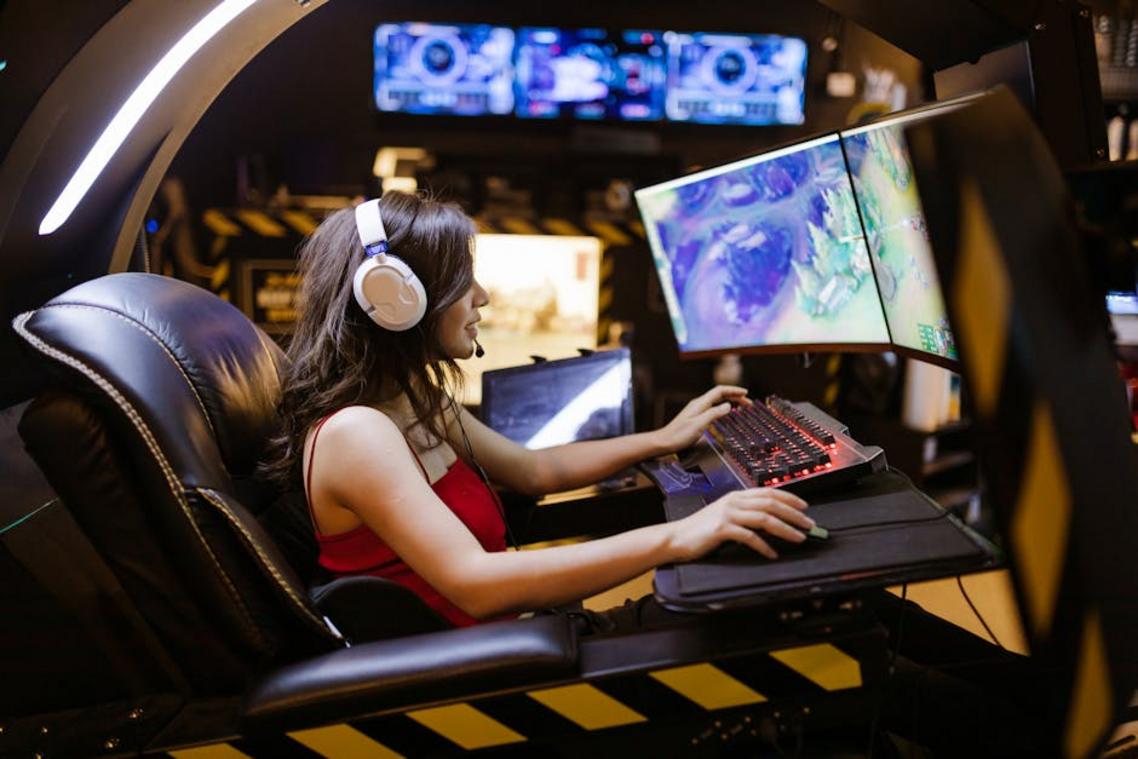
I learned this the hard way. I once cranked my setup to 4K, thinking sharper visuals meant better aim. Instead, my GPU choked, frames dipped below 144 FPS, and I lost gunfights I normally win. Higher resolutions like 1440p and 4K demand more graphics processing power—meaning fewer frames per second (FPS), or how many images your screen displays each second. In competitive play, stable high FPS beats pixel density every time.
That’s why most pros stick to 1920×1080. At 1080p, even mid-range PCs can push 240+ FPS, matching high-refresh monitors for smoother motion and lower input lag (the delay between your click and the action on screen).
Screen size matters too. The 24–27 inch range hits the awareness sweet spot. Bigger screens force extra eye movement, hurting reaction time. If you’re choosing the best gaming monitor for competitive play, prioritize speed and size over spectacle. Pro tip: test before upgrading.
Sync Tech: Taming Screen Tearing with G-Sync and FreeSync
First, what is screen tearing? It happens when your GPU (graphics processing unit) sends frames to your monitor faster—or slower—than the monitor’s refresh rate. In simple terms, your screen shows parts of two different frames at once, creating a jagged “split” effect across the image. Think of it like a glitchy scene transition in a sci‑fi movie.
Now, G-Sync vs. FreeSync.
Both use adaptive sync, meaning the monitor dynamically adjusts its refresh rate to match the GPU’s frame rate in real time. G-Sync (for NVIDIA GPUs) relies on proprietary hardware modules, while FreeSync (for AMD GPUs) uses an open standard built on Adaptive-Sync. Functionally, both reduce tearing and stutter for smoother gameplay.
However, competitive players often disable adaptive sync. Why? Even minimal input lag—milliseconds—can matter in esports. If you’re chasing every advantage, raw responsiveness may outweigh visual polish, even on the best gaming monitor for competitive play.
From Pixels to Victory: Your Final Monitor Checklist
For competitive gaming, hierarchy is: Refresh Rate > Response Time > Panel Type > Resolution.
You were not losing gunfights because of slow reflexes (well, not always); sometimes your monitor was the bottleneck.
Refresh rate measures how many frames per second your screen displays; higher means smoother tracking.
Response time is how quickly pixels change color; lower reduces motion blur.
Analyze your budget and genres, then buy the best gaming monitor for competitive play with the highest refresh rate and lowest response time you can afford.
Your aim deserves matching hardware today.
Level Up Your Competitive Edge
You came here to figure out what truly matters when choosing the best gaming monitor for competitive play—and now you know. Refresh rate, response time, panel type, adaptive sync, and input lag all play a direct role in how fast you react and how clearly you see every frame. In competitive gaming, even a split-second delay or slight motion blur can be the difference between a clutch win and a frustrating loss.
If you’ve been struggling with missed shots, delayed reactions, or inconsistent performance, your monitor could be holding you back more than you think. The right setup doesn’t just look better—it performs better when it counts.
Now it’s time to act. Upgrade to a monitor built specifically for competitive play and pair it with optimized settings to unlock smoother motion and sharper visuals instantly. Don’t let outdated hardware cap your skill ceiling—make the switch today and experience the difference serious players rely on.